Hear each instrument
Solo the bass or drums to understand what they are playing.
see what a song is made of
Split a song into its separate parts, called stems, and listen to each instrument on its own.
The splitter can separate as many as twelve parts, depending on what is in the song, from vocals and backing vocals to drums, bass, piano, strings and synth.
In the player you can solo a part to hear it alone or mute it to hear the song without it.
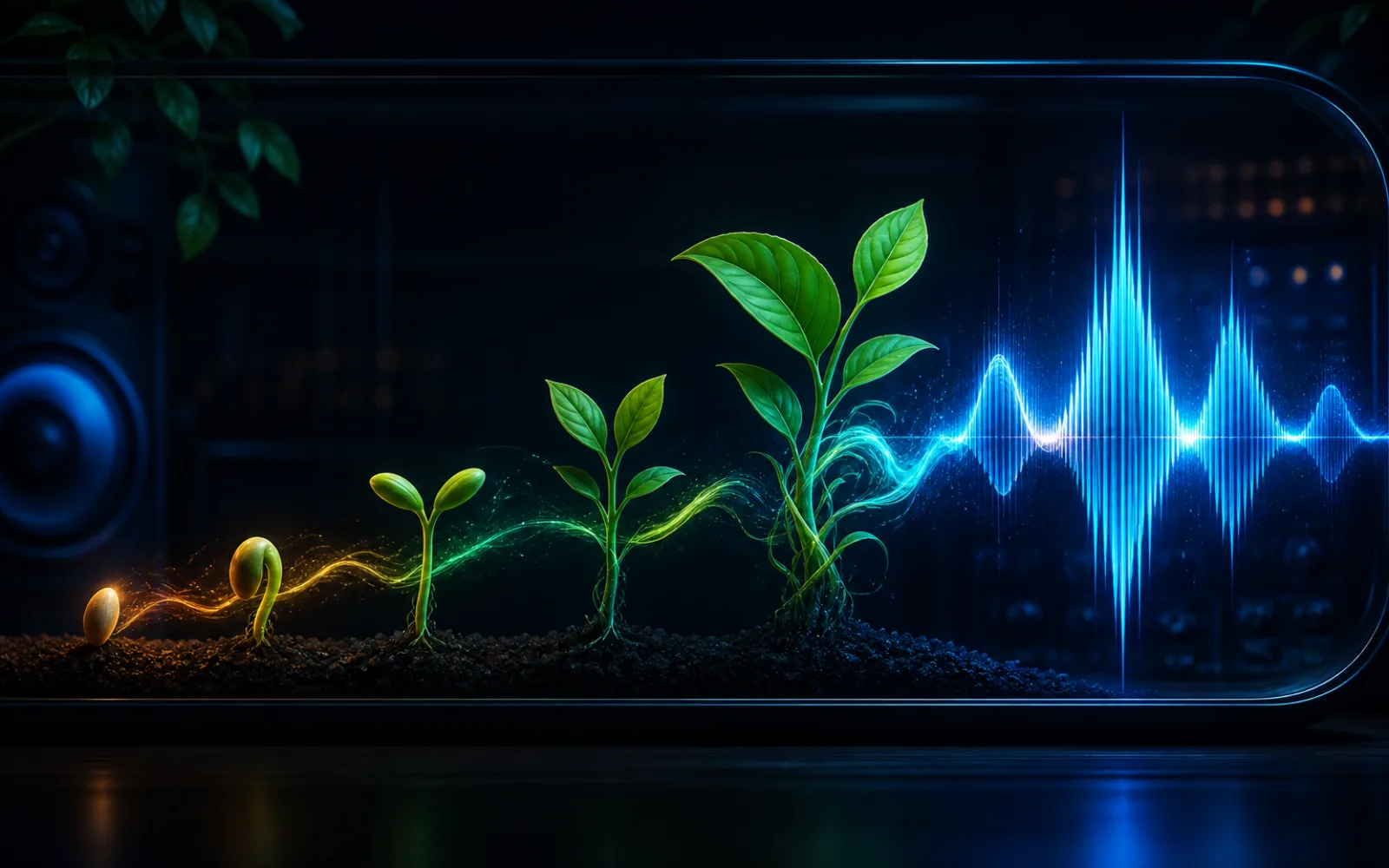
Every song is a stack of parts playing together: drums, bass, piano, guitar, voices. A stem is one of those parts on its own. The stem splitter pulls them apart so you can hear each one clearly.
It is a great way to learn how songs are built, to practise an instrument along with the rest of the band, or to reuse a part of your own song.
Solo the bass or drums to understand what they are playing.
Mute your instrument and fill in the part yourself.
Take the drums or melody from one of your songs into another project.
It works on uploads and on songs you made here.
Upload a file or pick one from your library.
Start the job and wait while the parts are separated.
Solo and mute parts in the player, then download the ones you need.
Hear exactly what one instrument does in a song.
Mute your part and play along with the others.
Discover hidden sounds you never noticed.
Clean songs split more neatly.
A part that sounds odd alone often sounds fine in the full song.
Similar-sounding instruments can bleed into each other a little.
A single part of a song, such as the drums or the vocals, on its own.
Up to twelve, depending on which instruments are in the song.
The player lets you solo or mute parts. For detailed mixing, download them into your own software.
Yes, with an active plan or purchased credits.
Split a track and hear every instrument on its own.
Split a song